A real desktop
Apps on the desktop and in a dock, in windows you can minimise and maximise, under a top bar with CPU, RAM and network speed.
A desktop for your home serverYour apps on a desktop and in a dock, widgets, notifications, Files, a Terminal and IceStore built in. For ZimaOS and CasaOS, free and open source.


curl -fsSL https://icedash.hsinghhira.me/install.sh | sudo sh
Everything happens on one desktop, in windows, without leaving the page.
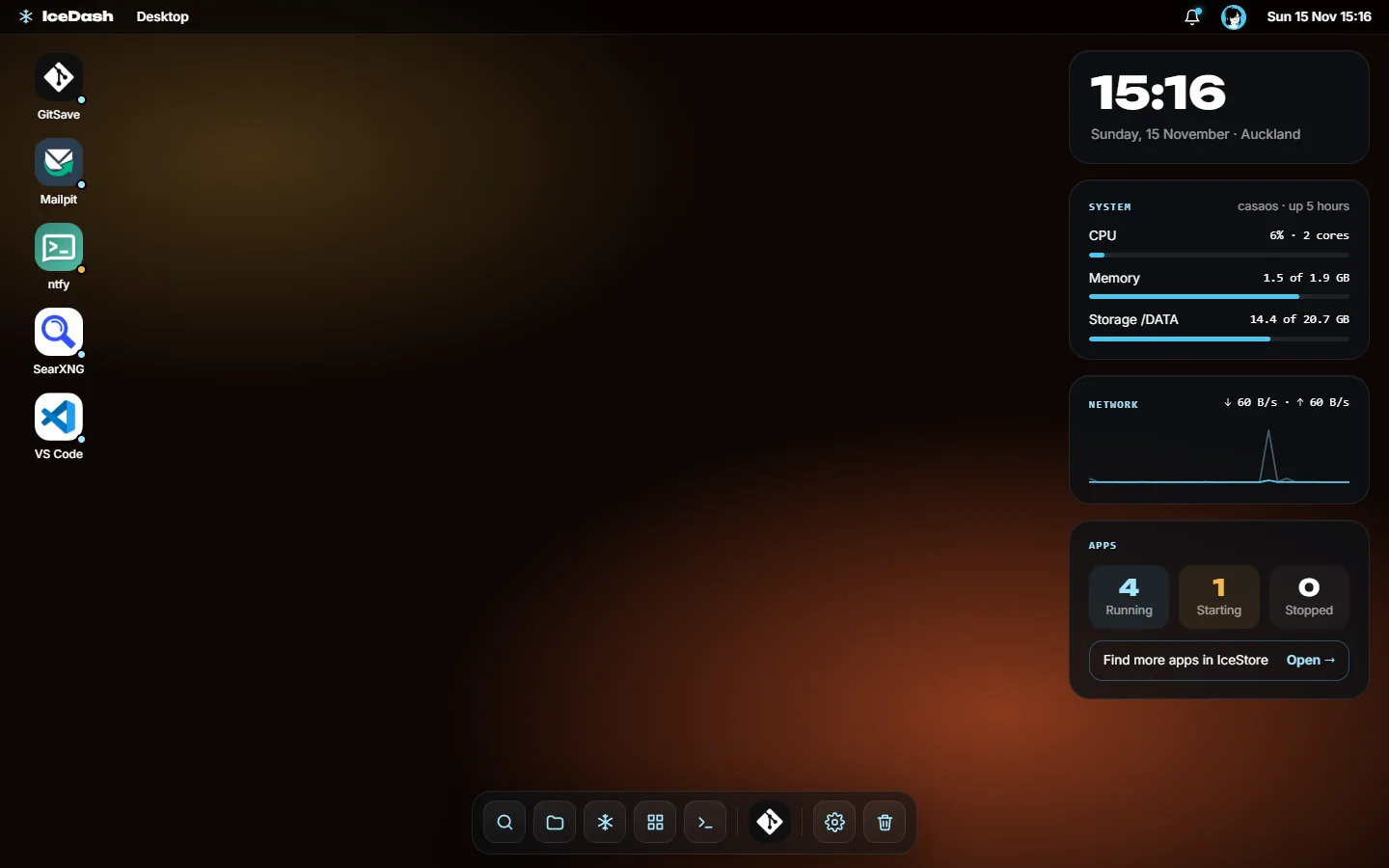
Your apps on the desktop and in the dock, with a status dot each. Cards for the clock, the system, the network and your apps sit on the right.
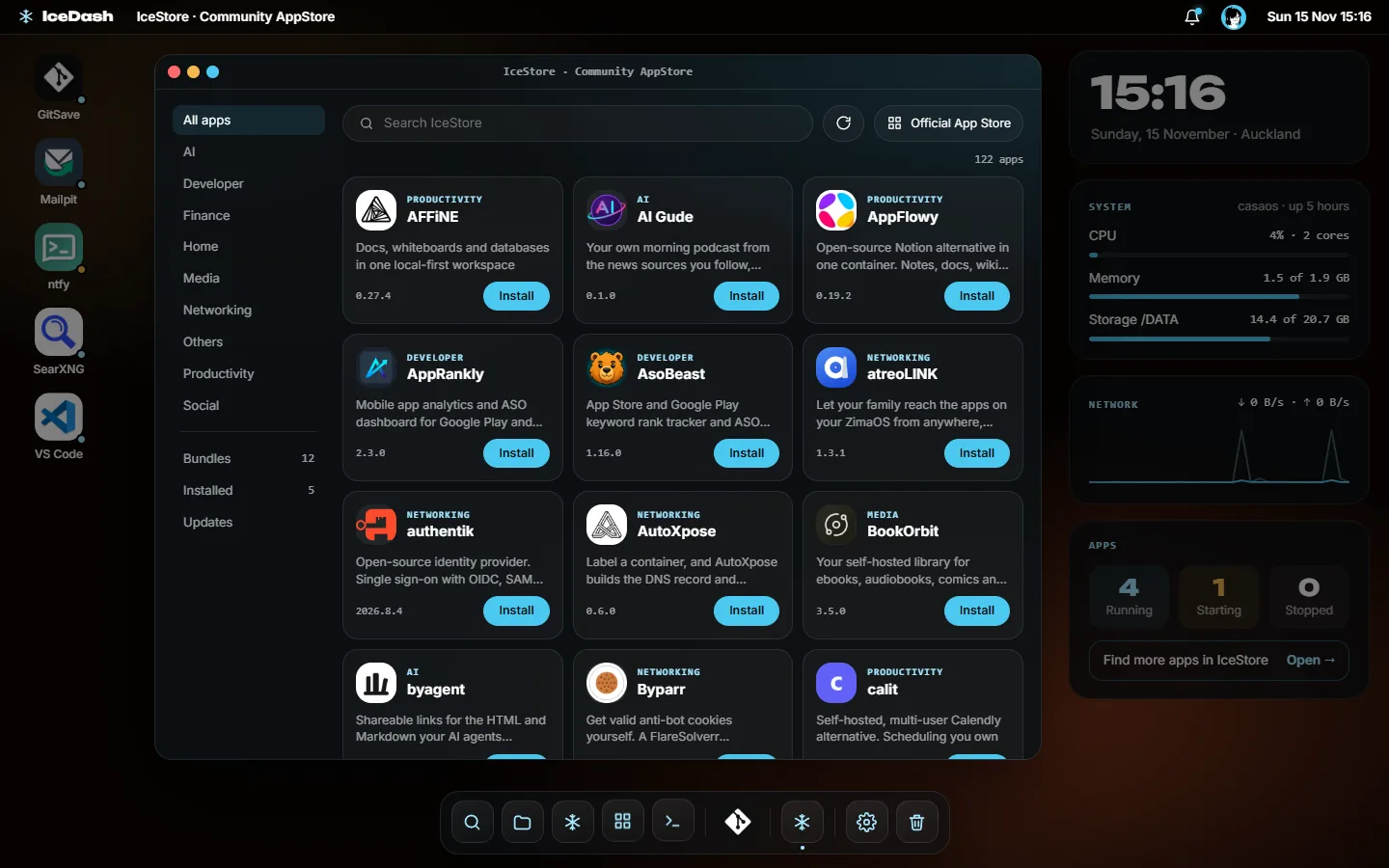
Install from IceStore without typing an IP: the setup fills in the server's address, makes passwords and checks that ports are free.
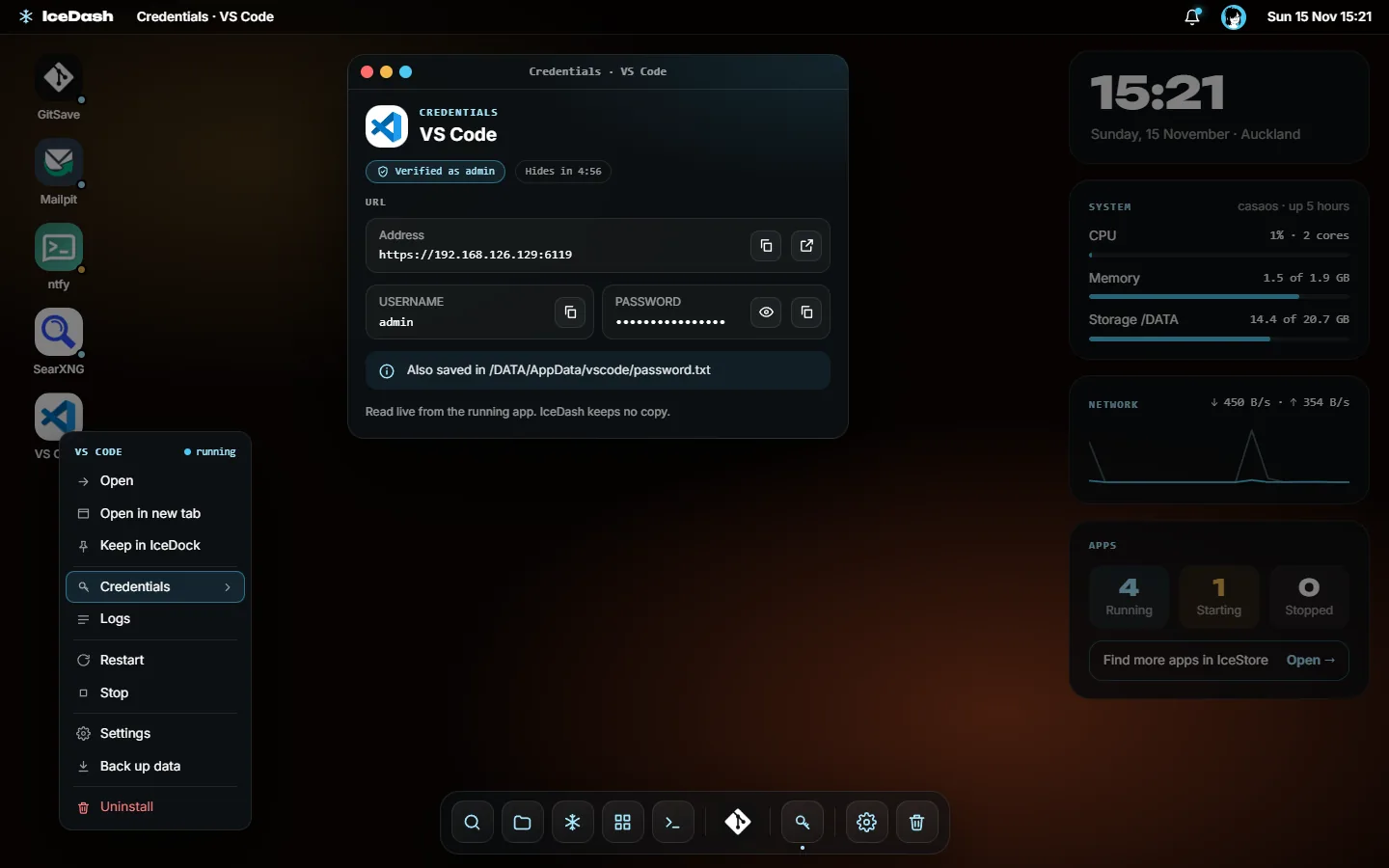
Right-click any app to open, restart, update, back up or uninstall it, or to see the login it made for you.
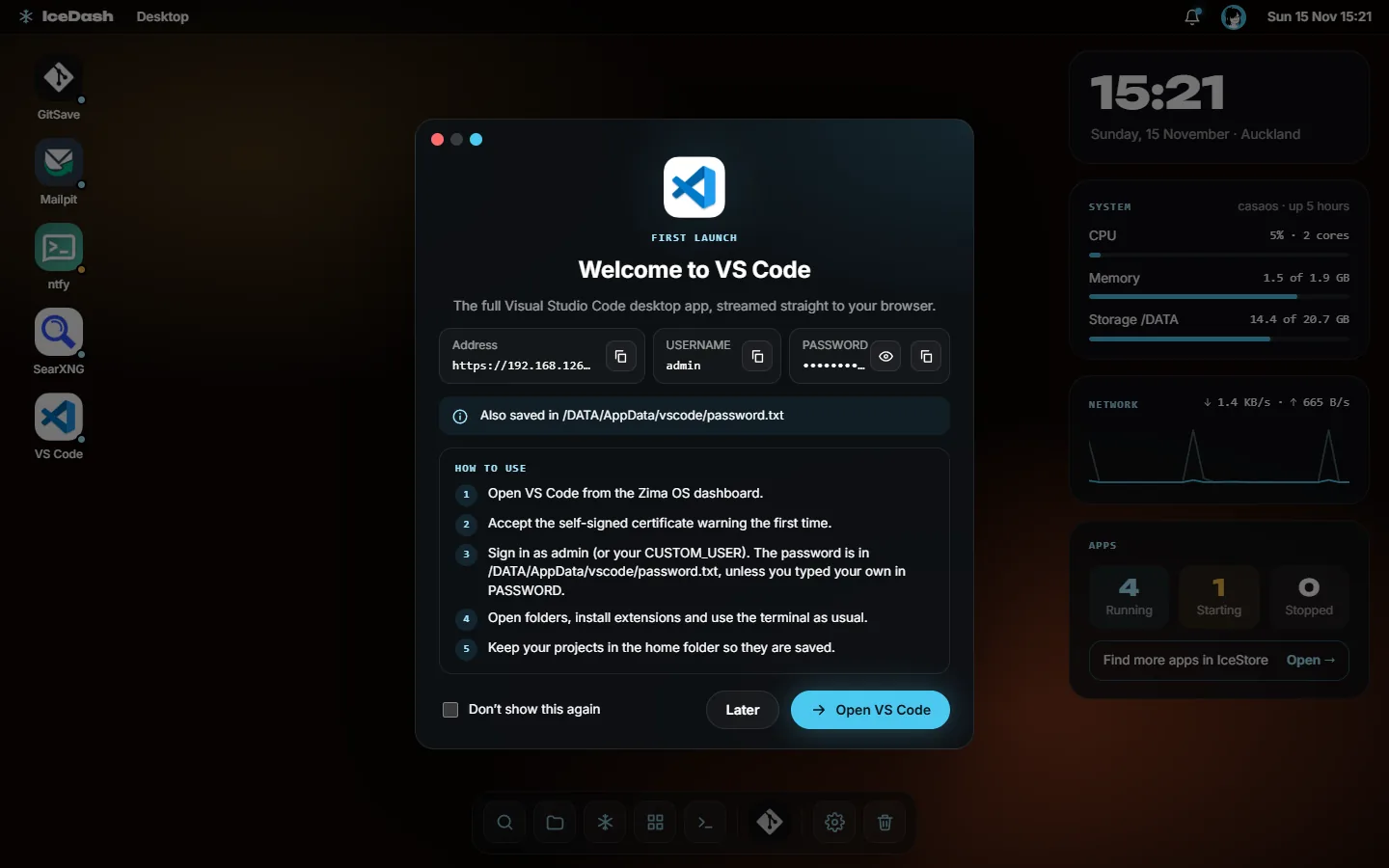
The first time you open a new app, IceDash shows its address, login and the steps to get started.
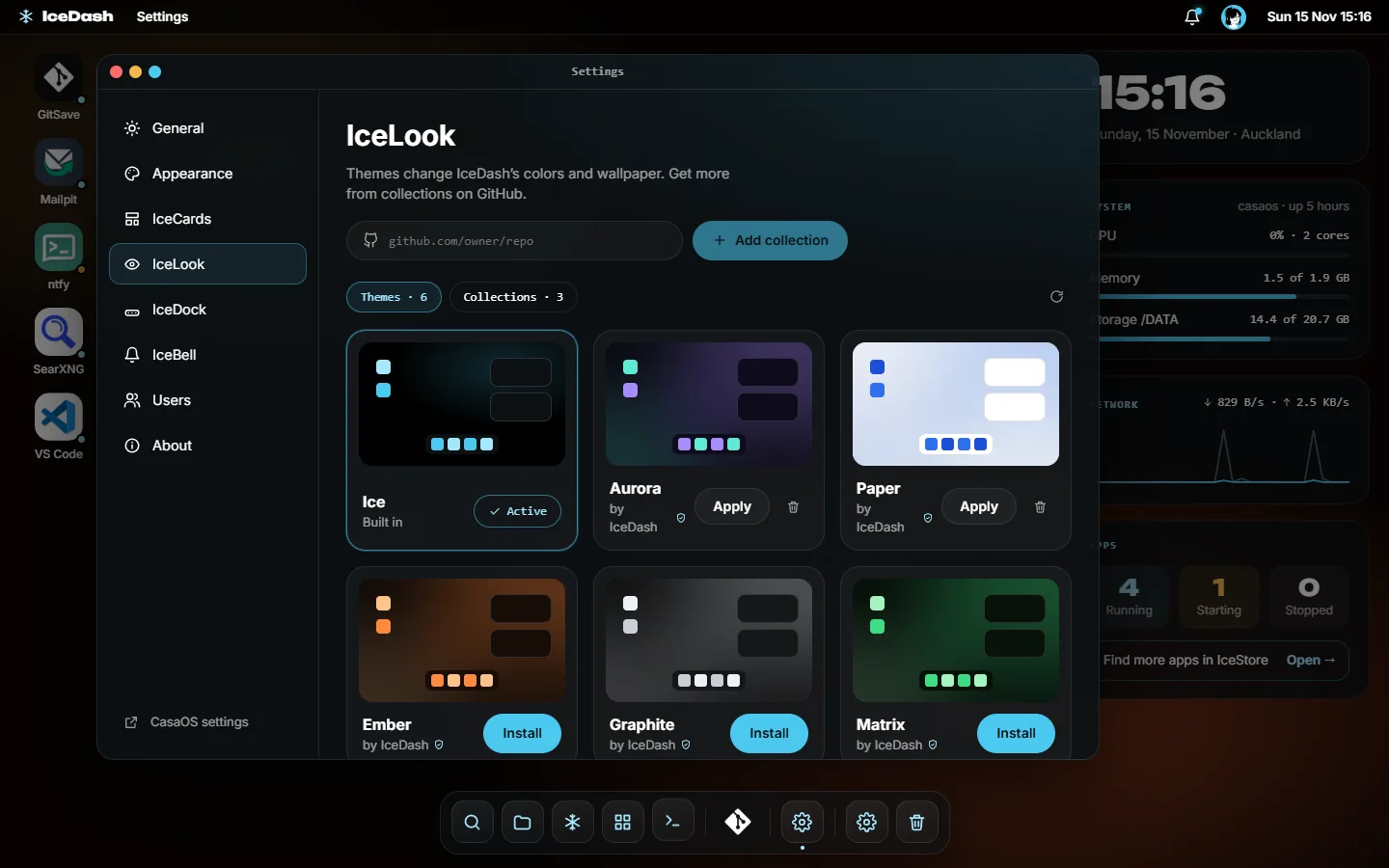
Themes change IceDash's colors and wallpaper. Get more themes, and cards for the panel, from collections on GitHub; each card runs in a sandbox.
The stock dashboard's jobs, and the ones you used to need SSH for.
Apps on the desktop and in a dock, in windows you can minimise and maximise, under a top bar with CPU, RAM and network speed.
Browse, install and update IceStore apps. Setup fills in your server's address and passwords, and says when an app wants full access.
Sets of apps that work together, like Live TV or Paperwork, installed one after another with one button.
Open, logs, restart, stop, update, back up and uninstall from any app's menu, and the login an app generated, read live and never stored.
Browse, upload, download, preview, move and copy everything in /DATA, with a Trash you can restore from.
A real shell in a window, behind your password a second time. Admins only, and every session is logged.
Clock, System, Network and Apps widgets, a light Frost look, and more themes and widgets from GitHub, each widget in its own sandbox.
App installs, updates and failures in the bell, with toasts you can turn down or off, and Do not disturb.
Ctrl Space finds apps, files, settings, wallpapers and IceStore apps from one box.
English, Deutsch, Español, Français and 中文, chosen per person.
Update now from the menu, or at night if you like. If an update fails, the previous version comes back by itself.
On CasaOS IceDash is the main page. On ZimaOS an admin can make it open at the server's address too.
The questions people ask before they install it.
/casaos/; the uninstall script gives the address back. Apps installed from IceDash are normal apps of your system.http://<your-server>/modules/icedash/. An admin can make it open at the server's address in Settings → General, and the ZimaOS dashboard then stays at /index.html. On CasaOS it's at http://<your-server>/, with the stock UI at /casaos/. Sign in with your ZimaOS or CasaOS account.Over SSH on your server, on ZimaOS or CasaOS:
curl -fsSL https://icedash.hsinghhira.me/uninstall.sh | sudo sh
It removes IceDash and gives your server's address back to the stock ZimaOS or CasaOS dashboard. Your IceDash settings and notifications stay in /DATA/.icedash, in case you install it again. To delete those too:
curl -fsSL https://icedash.hsinghhira.me/uninstall.sh | sudo sh -s -- --purge
Apps you installed from IceDash stay either way.
Open an issue, or browse the code.